
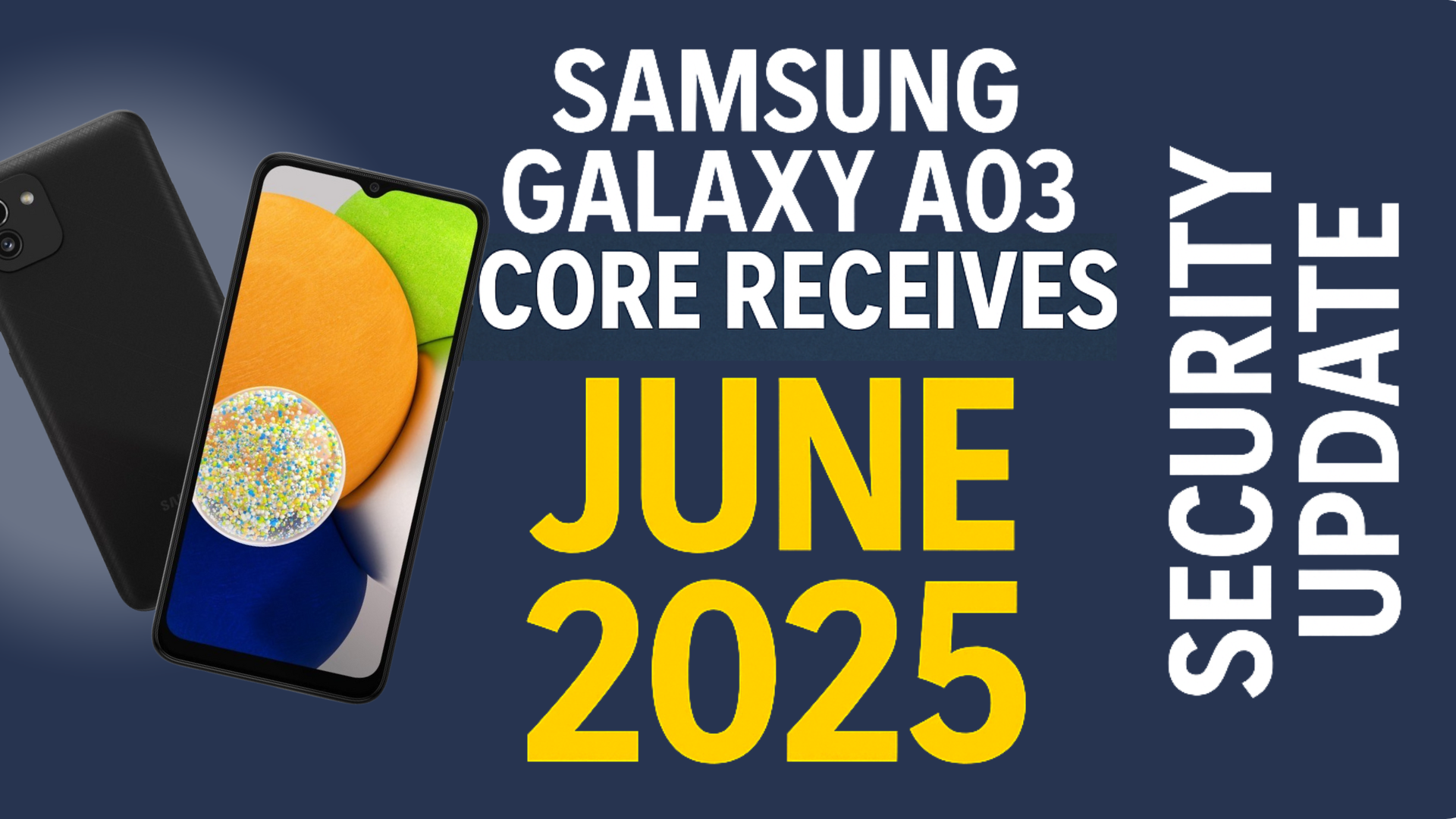

Samsung has officially released the June 2025 security update for the Galaxy A03 Core, reinforcing its commitment to keeping even its budget-friendly devices secure. This update, now rolling out in North and South American countries, brings critical security patches to the 2021-launched smartphone, ensuring users can continue to rely on their device without worrying about emerging cyber threats.
Update Details
The June 2025 security update for the Galaxy A03 Core, model number SM-A032M, comes with firmware version A032MUBS6CYF3. According to Samsung’s official security bulletin, this update includes over 60 patches, with 40 addressing Android OS vulnerabilities provided by Google and 23 additional patches tailored for Samsung devices. These patches address potential security risks, including malware and unauthorised access, that could compromise user data or device performance.
While the update focuses primarily on security, it also contributes to the overall stability of the device by addressing minor bugs. However, users should not expect new features or significant performance enhancements, as the Galaxy A03 Core has already reached the end of its major OS upgrade cycle.
| Detail | Information |
|---|---|
| Device | Galaxy A03 Core |
| Update Type | June 2025 security update |
| Release Year | 2021 |
| Security Update Schedule | Bi-annual (two updates per year) |
| Region | North and South American countries |
| Model Number | SM-A032M |
| Firmware Version | A032MUBS6CYF3 |
| Security Patch Details URL | Samsung June 2025 Security Bulletin |
| Firmware Download URL | Samsung Firmware Database |
| Current OS | Android 13-based One UI 5 |
| Previous OS at Launch | Android 11-based One UI 3 |
| Major OS Upgrades Provided | 2 |
| Future OS Updates | None |
How to Install the Update
To check for and install the June 2025 security update, follow these simple steps:
- Open the Settings app on your Galaxy A03 Core.
- Scroll to Software update.
- Tap Download and install.
- If the update is available, follow the on-screen instructions to complete the installation.
If the update hasn’t reached your device yet, it may be rolling out in phases, so check again in a few days. For advanced users, the firmware can be manually downloaded from Samsung’s firmware database and installed using the Odin tool. However, manual installation carries risks, such as bricking the device if not done correctly, so proceed with caution and ensure you back up your data beforehand.
Why Security Updates Are Essential
Security updates like this one are vital for protecting your device from evolving cyber threats. Hackers often exploit vulnerabilities in outdated software to gain unauthorised access, steal data, or install malicious programs. By applying the June 2025 security patch, Galaxy A03 Core users can safeguard their devices against these risks, ensuring a secure and reliable experience.
For budget devices like the Galaxy A03 Core, which may not receive frequent feature updates, security patches are particularly important. They provide peace of mind for users who rely on their devices for daily tasks, such as messaging, browsing, and managing personal information. Samsung’s bi-annual security update schedule for this device strikes a balance between maintaining security and accommodating the hardware limitations of an entry-level smartphone.
About the Galaxy A03 Core
Launched in 2021, the Galaxy A03 Core is a budget-friendly smartphone designed for users seeking affordability without sacrificing essential functionality. It features a 6.5-inch HD+ display, a dual-camera setup with a 13MP main camera and a 5MP front camera, and a MediaTek Helio P35 processor. With 2GB or 3GB of RAM and 32GB of expandable storage, it’s well-suited for basic tasks like social media, web browsing, and light multitasking. The device’s 5,000mAh battery ensures long-lasting performance, making it a practical choice for cost-conscious consumers.
Since its debut with Android 11-based One UI 3, the Galaxy A03 Core has received two major OS upgrades, bringing it to Android 13-based One UI 5. While it will not receive further major OS updates due to hardware limitations, Samsung’s continued support through security patches ensures the device remains a viable option for users who don’t need the latest software features.
Future Support and Recommendations
The Galaxy A03 Core has reached the end of its major OS upgrade cycle, but Samsung’s commitment to providing bi-annual security updates ensures that the device will remain secure for the foreseeable future. Users who prioritize the latest features or faster performance may consider upgrading to a newer model, such as the Galaxy A16 5G, which offers extended software support. However, for those satisfied with the Galaxy A03 Core’s current capabilities, this security update reinforces its reliability as a budget-friendly device.
To ensure a smooth update process, always back up important data before installing software updates. This precaution protects your photos, contacts, and other personal information in case of unexpected issues during the update.